How to associate one or more additional
information requests (IRs) to procedures in a supervisory activity.
About this task
Since procedures rely on information or documents provided in
response to IRs, SES allows all active participants on a supervisory activity to
associate IRs to procedures so that you can see relevant IR responses when working a
procedure. You can also associate additional information requests to a procedure if
other IRs have been associated to the procedure previously.
Note: IRs are typically associated to procedures in the SES
Library prior to starting an SA. Staff directors or staff users can associate
IRs to procedures for your agency's IRs in the SES Library, and CSBS support
staff have also associated IRs to procedures for work programs like the SES Work Programs. See Adding a Procedure to the Library for more information.
The steps in this procedure are intended to be done during an SA if the IRs
associated to procedures in the SES Library are incomplete or insufficient.
Both the IRs and procedures must:
Have at least one business activity in common
Have at least one scope type in common
Either be core or non-core
Note: SES permits the association of core procedures or
information requests to non-core procedures or information requests.
Procedure
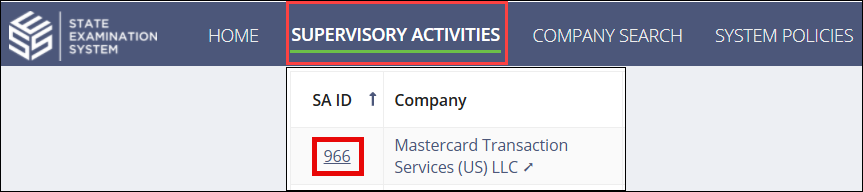
Search for and select the SA
ID you would like to access.
Click Examination.
Click Procedures tab.
Note: Use Review Mode to limit the number of columns that
are displayed. This mode can help you identify procedures that have
observations or attachments associated with them.
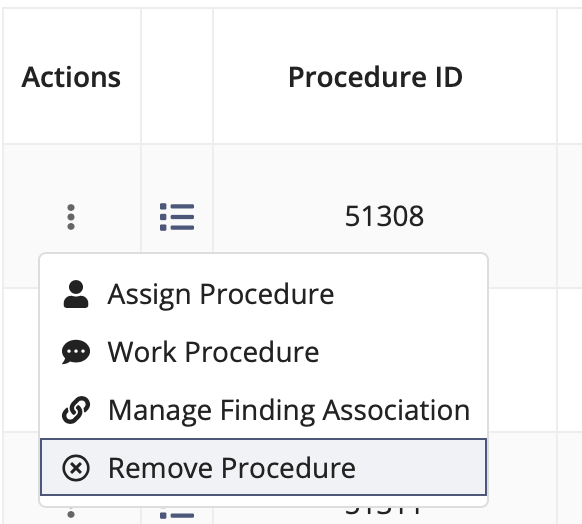
Select the desired action from the Actions column.
Note: You can also quickly mark a procedure as done from
the Procedures tab. This is an indication to other
examiners on your team that someone has worked the procedure.
Assign Procedure: Assign the procedure to another
participant on the supervisory activity.
Work Procedure: Add observations, upload documents,
associate information requests, quick add findings, or mark the procedure as
done. See steps below for details.
Manage Finding Association: Associate the procedure
to findings or remove existing associations to findings.
Remove Procedure: Remove the procedure from the
supervisory activity.
Click Associate Information Requests.
Note: If there are IRs already associated with the procedure,
The link will say "Associate Additional Information Requests," and you can
associate more than one IR to the procedure.
Existing links can be removed from this screen by clicking the red "X" icon.
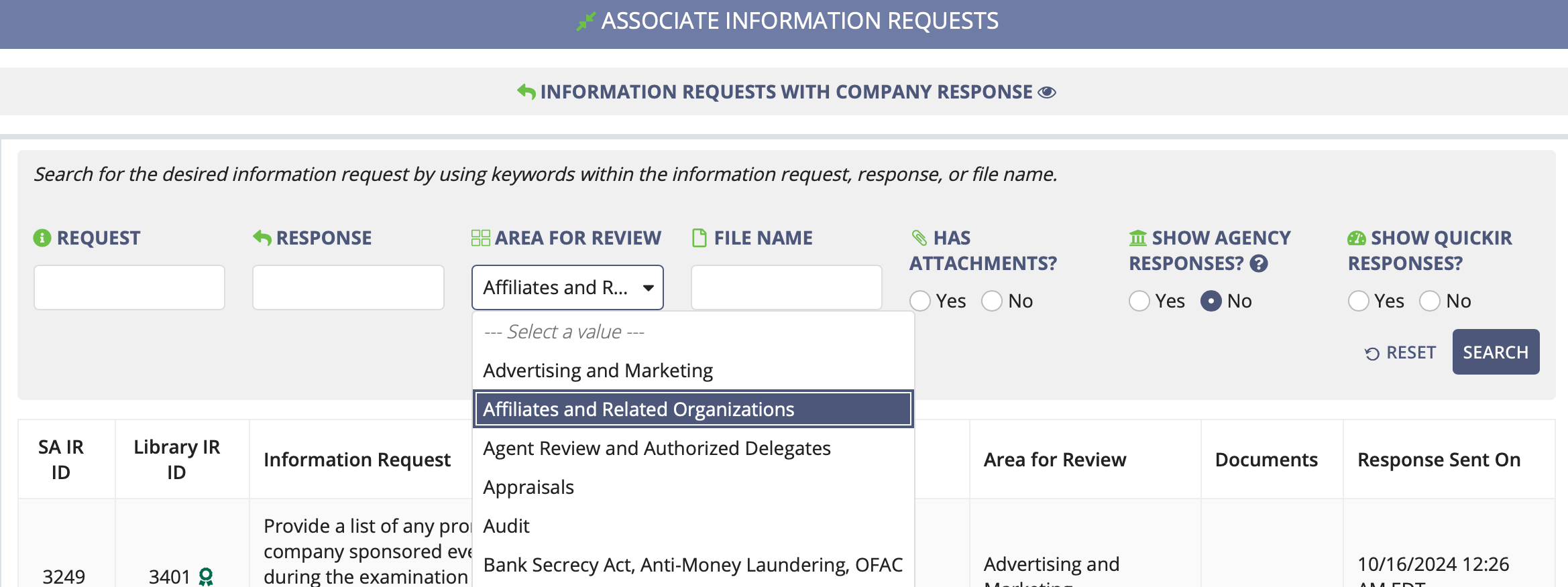
Optional: To associate IRs to a Procedure from a different Area For Review:
Scroll to the Associate Information Requests section, and
choose an Area for Review.
Click Search.
Select the desired information request(s) to associate with the procedure.
Click Save IR Associations.
Optional: Upload one or more documents.
Click Save Work.
Results
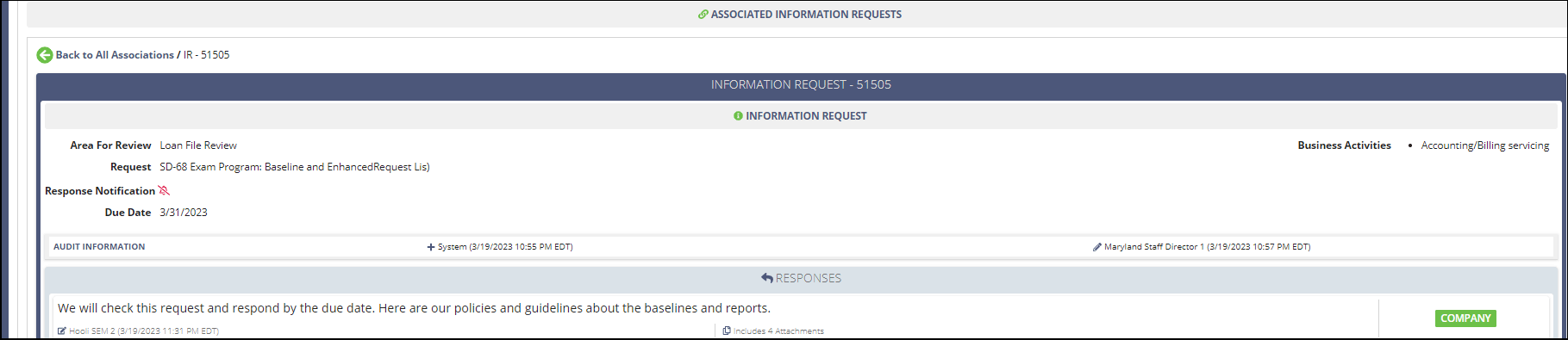
The associated IR and any company responses now appear in the details of a procedure when
working it.
When viewing the details of an IR, the procedures to which it is associated are also
displayed on the Information Requests tab.
Note: You cannot work the associated procedure from the Information
Requests tab. You must go to the Examination tab to work
the procedure. See Procedures for more
information.
Need More Help?
Agency users, please visit the Secure Portal
for phone and email contacts.
Company users should call the Call Center at 1-800-269-6189.
Agency users should not call this number.



 Note: Use Review Mode to limit the number of columns that are displayed. This mode can help you identify procedures that have observations or attachments associated with them.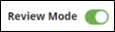
 Note: You can also quickly mark a procedure as done from the Procedures tab. This is an indication to other examiners on your team that someone has worked the procedure.