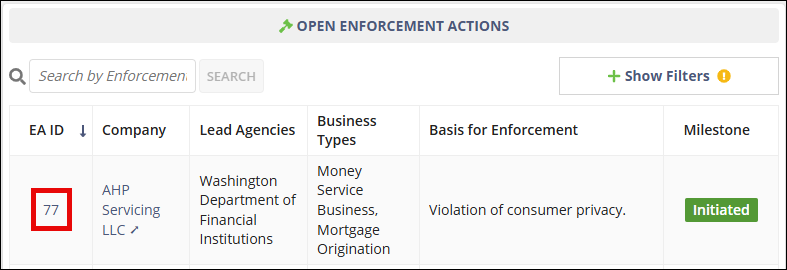
Initiating an Enforcement Action
Initiate a new enforcement action in SES by selecting a company and entering enforcement action details.
About this task
Enforcement action supervisors can initiate a new enforcement action for a company from the Enforcement Actions area of SES. When initiating an enforcement action, you identify the company, define the basis for the enforcement action, specify applicable business types, and add participants who will work on the enforcement action.
You may also optionally add related supervisory activity or complaint information, upload documents, and include related entities associated with the enforcement action.
Procedure
-
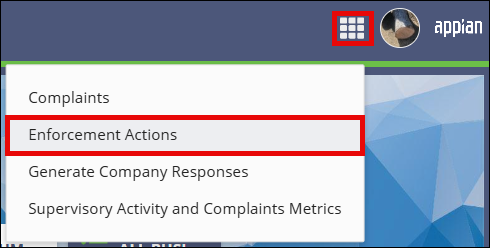
Access the Enforcement Actions area of SES.

-
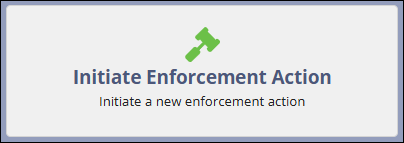
Select Initiate Enforcement Action.
- Search for the company for which the enforcement action is being created.
- Select the company from the search results and select Next.
- Enter the Basis for Enforcement Action.
- Select one or more Business Types.
- Optional: Enter Related Supervisory Activity or Complaint information.
- Optional: Select Upload Documents to attach supporting documentation.
- Optional: Enter Related Entities information.
-
Add enforcement action Participants, ensuring that at least one
Enforcement Manager is assigned.
Note: See Setting Up Users for Enforcement Actions for more information.
- Select Initiate Enforcement Action.
Results
The enforcement action is created and you can begin managing the enforcement action in SES.
What to do next