
Closing or Canceling an Enforcement Action
Close or cancel an enforcement action when the enforcement process is complete or no longer needed.
About this task
Enforcement action supervisors from the lead agency can close or cancel an enforcement action. Closing an enforcement action indicates that the enforcement process has concluded. Canceling an enforcement action indicates that the enforcement action will not proceed.
When an enforcement action is closed or canceled, the system notifies all participants and no further actions can be taken on the enforcement action.
Note: Document retention policies are not currently applied to enforcement action documents. Documents associated with enforcement actions are not automatically deleted.
Procedure
-
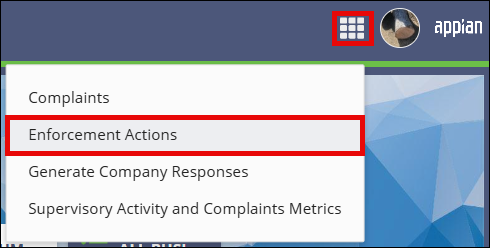
Access the Enforcement Actions area of SES.

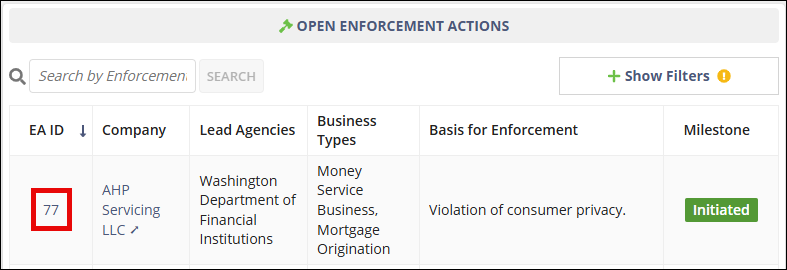
- On the Enforcement Actions homepage, locate the enforcement action in the Open Enforcement Actions section.
-
Select the EA ID link for the enforcement action you want to open.
-
Select the Related Actions menu.

-
Choose one of the following options:
- Select Close Enforcement Action.
- Select Cancel Enforcement Action.
- Optional: If canceling the enforcement action, enter comments explaining the reason for the cancellation.
- Confirm the action.
Results
The enforcement action status is updated and participants are notified. No further actions can be taken on the enforcement action.