
Managing Documents on an Enforcement Action
Add, update, or remove documents associated with an enforcement action.
About this task
The Documents page allows enforcement action participants with appropriate access to upload and manage documents associated with an enforcement action. Users can add one or more documents, assign document names, and enter comments for each document.
Users with access to the enforcement action can preview and download available documents. Depending on their role and access, users may also be able to update or remove previously uploaded documents.
Procedure
-
Access the Enforcement Actions area of SES.
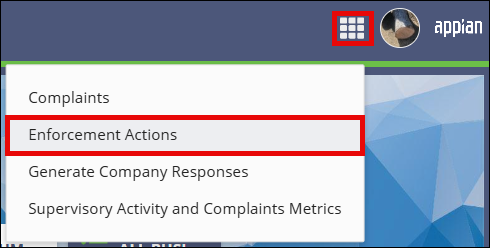

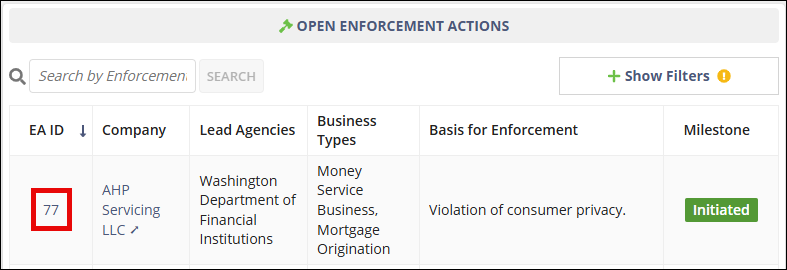
- On the Enforcement Actions homepage, locate the enforcement action in the Open Enforcement Actions section.
-
Select the EA ID link for the enforcement action you want to open.
-
Select Documents.

-
Choose one of the following options:
- Select Add Documents to upload one or more new documents.
- Select the Actions menu for an existing document to update or remove the document.
- If you are adding a document, upload the file, enter a document name, and enter comments if needed.
- Optional: Select Add Document to add another document row.
- Select the appropriate action to save your changes.
Results
The document is added, updated, or removed from the enforcement action record.