
Exporting Information Requests for Agencies
You can export the information requests from your agency.
About this task
Procedure
-
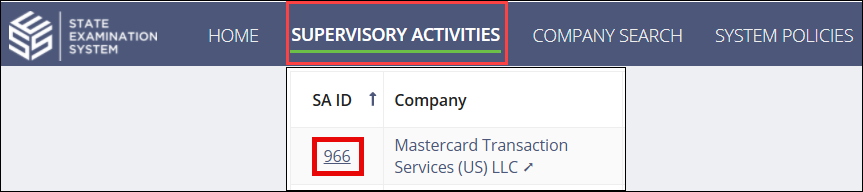
Navigate to your supervisory activity.
-
Click Information
Requests.

-
Select the export you want.
- IR Details
- IR Response Search
-
Click Export to Excel at the bottom of the grid.

The exported data is emailed to you as an attachment.
Results
Note: The export is configured based on the way you have filtered the data in the
system.