
Reassigning the SA Acceptance EIC
After assigning an EIC to review the acceptance of another agency's SA, you can reassign the EIC.
Before you begin
Note: You must have detail level access to the SA, be assigned the staff
user or staff director, and the selected Examiner in Charge (EIC) must also have detail
level access to the SA being accepted. See Requesting Access to a Supervisory Activity for more information.
Procedure
-
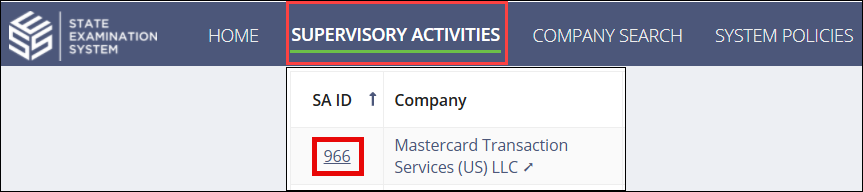
Search for and select the SA
ID you would like to access.

-
Click Reassign Acceptance EIC on the
Summary page.

- Remove the existing EIC in the Reassign EIC section.
- Assign a new EIC.
-
Click Reassign Acceptance EIC.

- Click Confirm.
Results
The newly assigned EIC for the accepted SA must review the acceptance and approve it.